 11
11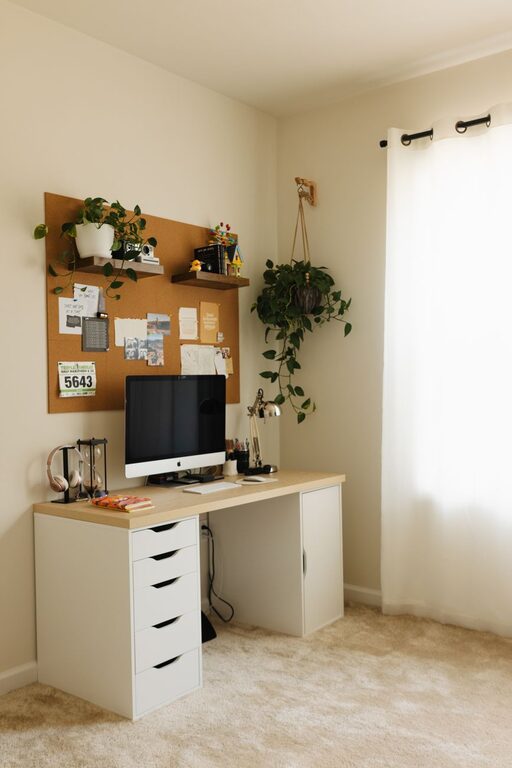
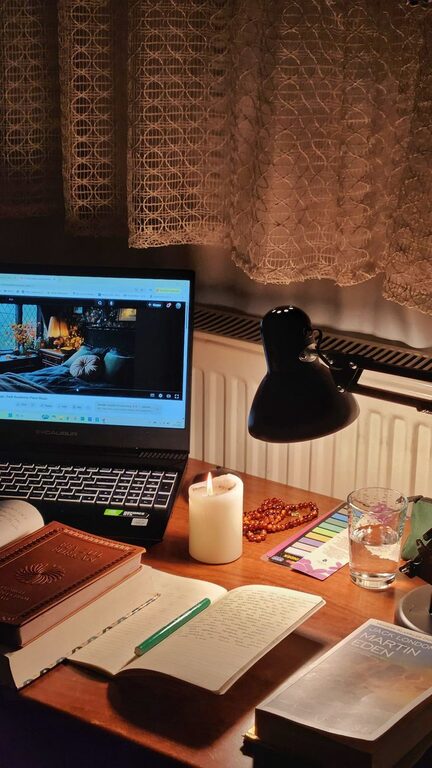
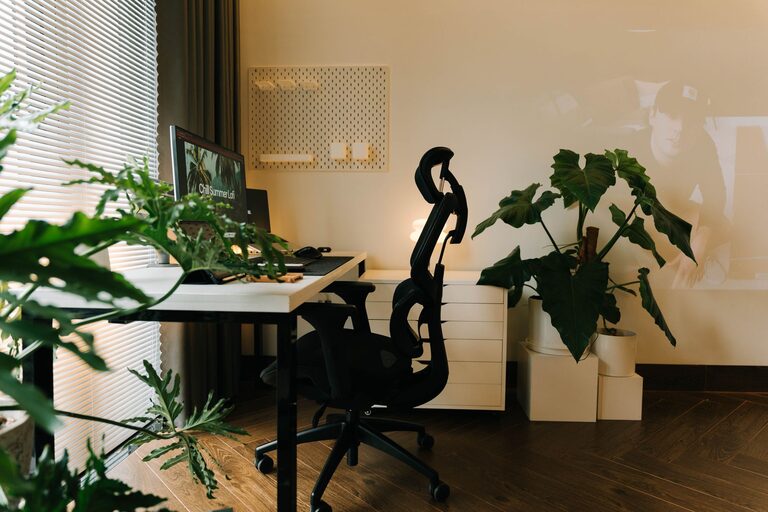
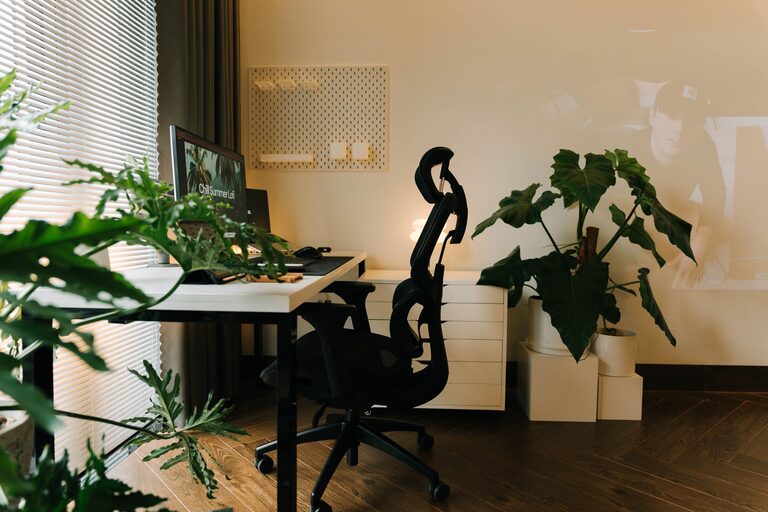
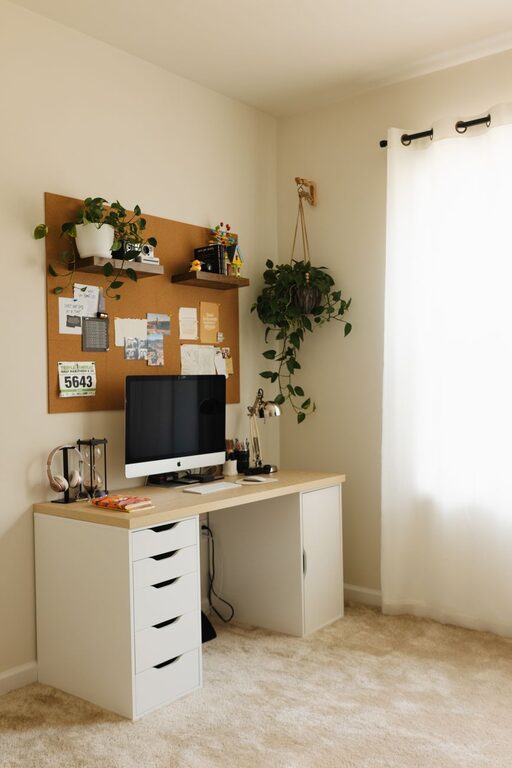
Creating a home office that feels both cozy and productive can be a game-changer for your work-from-home routine. When your space is inviting and efficient, it’s easier to stay focused and motivated throughout the day. Whether you’re setting up a dedicated room or carving out a nook, these practical tips will help you design a home office that supports both comfort and productivity.
The first step in creating a cozy and productive home office is deciding where to set it up.
– Pick a quiet spot: Choose a location with minimal distractions to help you focus.
– Consider natural light: A space near a window will brighten your room, improve mood, and reduce eye strain.
– Think about space: Make sure the area you select has enough room for your desk, chair, and any necessary equipment without feeling cramped.
Comfort is key when you spend long hours working from home.
– Ergonomic chair: A supportive chair that encourages good posture can prevent discomfort and back pain.
– Desk height: Ensure your desk is at the right height to keep your arms and wrists comfortable.
– Flexible seating options: A small sofa or a cushioned stool can provide alternative seating for brainstorming or breaks.
An organized workspace helps reduce mental clutter and enhances efficiency.
– Use storage solutions: Shelves, drawers, and filing cabinets keep important items within reach but out of sight.
– Declutter regularly: Spend a few minutes each day tidying your desk to maintain a clean environment.
– Cable management: Use clips or sleeves to keep cords tidy and prevent tangles.
Adding personal touches can make your office feel inviting and uniquely yours.
– Decorate with items you love: Photos, art, or collectibles can boost your mood.
– Incorporate colors you enjoy: Choose calming or inspiring tones with paint, furniture, or accessories.
– Add plants: Greenery improves air quality and adds life to your workspace.
Proper lighting reduces eye strain and sets the right mood for work.
– Maximize natural light: Keep windows unobstructed by heavy curtains.
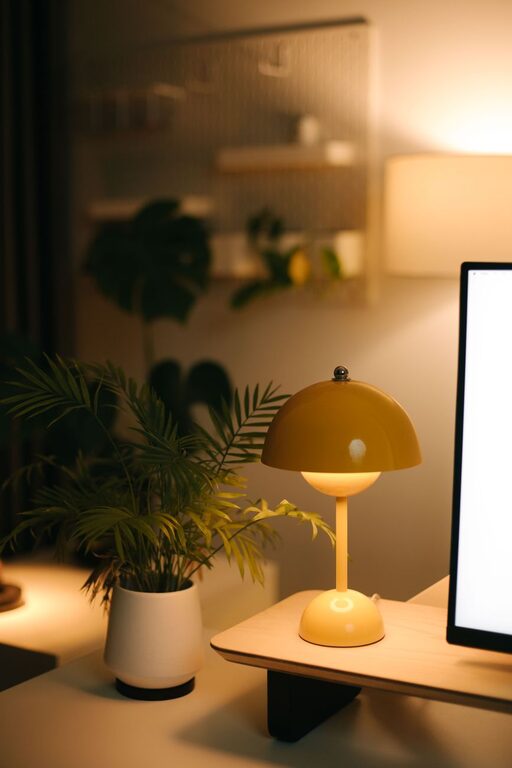
– Choose adjustable lighting: Desk lamps with dimmer options help you control brightness.
– Avoid glare: Position your monitor to prevent reflections from lights or windows.
A quiet and focused environment supports better concentration.
– Use noise-canceling headphones: They can help block background noise.
– Add soft furnishings: Rugs, curtains, and cushions absorb sound and create a warmer atmosphere.
– Set clear boundaries: If you live with others, communicate your work hours and need for quiet.
Technology can boost productivity when chosen wisely.
– Reliable internet: A fast and stable connection is essential.
– Quality peripherals: Invest in a good keyboard, mouse, and monitor to ease daily tasks.
– Backup power: A surge protector or uninterruptible power supply helps protect your devices.
Having a schedule supports productivity and work-life balance.
– Set working hours: Define clear start and end times to avoid overworking.
– Take breaks: Short breaks throughout the day can refresh your mind and body.
– Use planning tools: Calendars, apps, or planners help you stay organized.
Small comforts can improve your overall work experience.
– Water and snacks: Staying hydrated and fueled keeps energy levels steady.
– Temperature control: Use fans, heaters, or blankets to maintain your ideal temperature.
– Inspire movement: Incorporate a standing desk or take stretching breaks to stay active.
—
By carefully designing your home office to balance coziness with functionality, you can create a space that not only looks great but also supports focused, efficient work. These thoughtful touches will make your daily routine more enjoyable and productive. Happy decorating!