 11
11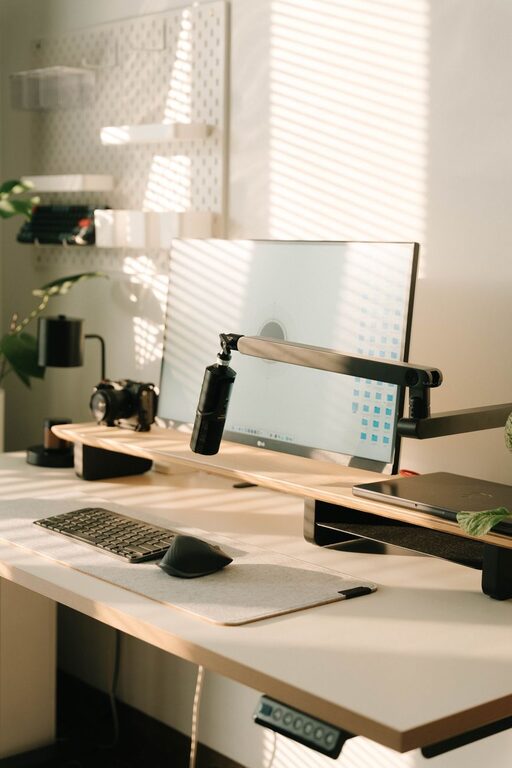
Creating a cozy and productive home workspace is essential for anyone working remotely or needing a dedicated area for focus and creativity. A well-designed workspace can improve concentration, reduce stress, and boost overall work satisfaction. In this post, we’ll explore practical tips to help you set up a home office that is both comfortable and efficient.
Selecting the ideal spot for your workspace is the first step. Consider a quiet corner away from heavy foot traffic and distractions. If possible, pick an area with natural light as it can help improve mood and energy levels. Avoid locations near noisy appliances or high-traffic areas in your home, as these can interrupt your workflow.
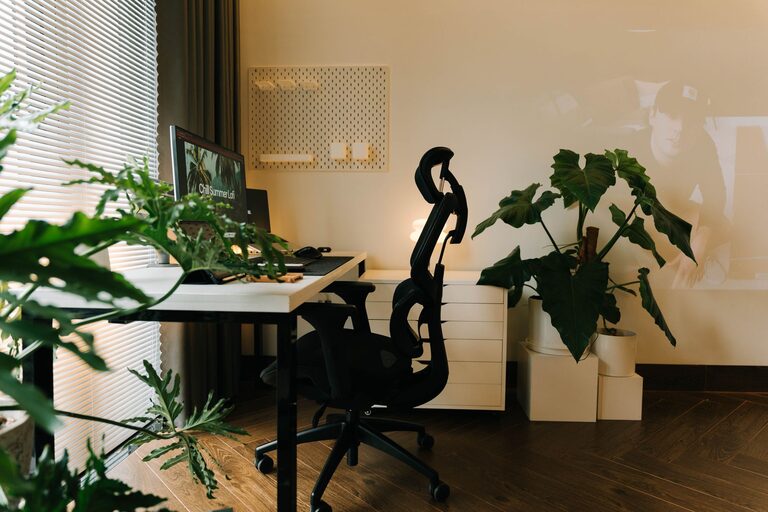
Comfort is key when you spend hours working at your desk. Choose an ergonomic chair with adjustable height and good lumbar support. Your desk should be at a height that allows your forearms to rest parallel to the floor when typing. This setup helps prevent strain and promotes better posture.
– Storage solutions: Incorporate shelves, drawers, or filing cabinets to keep supplies organized and within reach.
– Desk size: Ensure your workspace has enough surface area for your computer, notebooks, and other essentials without feeling cramped.
– Flexible seating: If space permits, add a small comfy chair or a cushion to switch positions and give your body a break.
An organized workspace supports productivity by minimizing distractions and making it easier to find what you need.
– Use desk organizers or trays to sort pens, paperclips, and accessories.
– Keep cables tidy with clips or sleeves to prevent tangling.
– Declutter your desk daily, removing unnecessary items.
– Use labeled storage bins for larger supplies or documents.
– Consider a bulletin board or whiteboard nearby to track tasks and deadlines.
Proper lighting is crucial to reduce eye strain and maintain focus.
– Maximize natural light during the day by positioning your desk near a window.
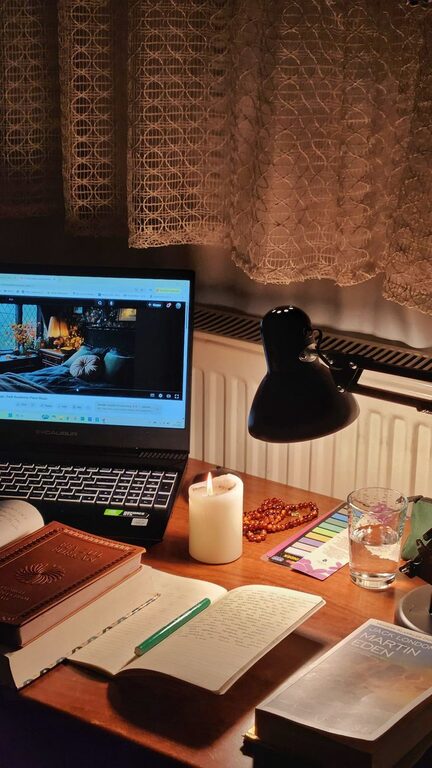
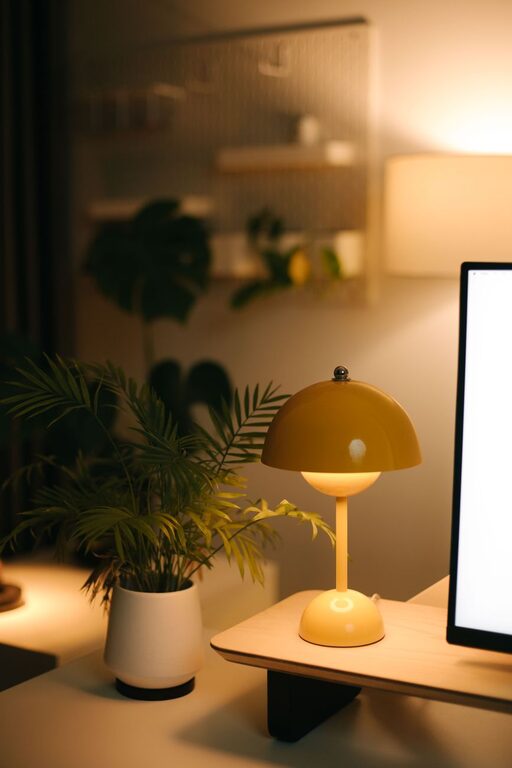
– Use soft, warm LED desk lamps for task lighting, which can reduce glare.
– Avoid harsh overhead lights that create shadows or flicker.
– If possible, add adjustable lighting options to suit different times of day or work activities.
Making your workspace feel inviting encourages you to spend time there and enhances comfort.
– Add plants to improve air quality and bring a calming touch.
– Hang artwork or photos that inspire you.
– Use cushions, rugs, or curtains to soften the area.
– Choose a color scheme that reflects your personality and promotes focus—cool blues for calm, or warm hues for energy.
Noise can be a major distraction, so it’s important to control it as much as possible.
– Use noise-canceling headphones or earplugs if you can’t avoid background noise.
– Play soft instrumental music or white noise to mask interruptions.
– Consider adding sound-absorbing materials like rugs, curtains, or acoustic panels.
Maintaining clear boundaries helps keep your work hours productive and ensures your personal time remains relaxing.
– Define specific work hours and stick to them.
– Avoid working from the couch or bed to keep spaces mentally separate.
– Close your office door or use a room divider if shared spaces are an issue.
Sitting for long periods can affect health and concentration.
– Use a sit-stand desk or alternate between sitting and standing.
– Set reminders to take short breaks to stretch or walk around every hour.
– Keep a water bottle nearby to stay hydrated.
Technology is vital for work but can also be a source of distraction.
– Maintain a clean digital workspace by organizing files and desktop icons.
– Use website blockers or focus apps during work sessions.
– Ensure your internet connection is reliable to avoid frustrating interruptions.
– Position your monitor at eye level to reduce neck strain.
—
Creating a home workspace that is cozy and productive takes some planning, but the benefits are well worth it. By choosing the right location, investing in comfort, organizing efficiently, and personalizing your space, you can build an environment that supports your best work. Remember to adjust your setup as your needs change, ensuring your workspace remains a place where you feel inspired and focused every day.