 11
11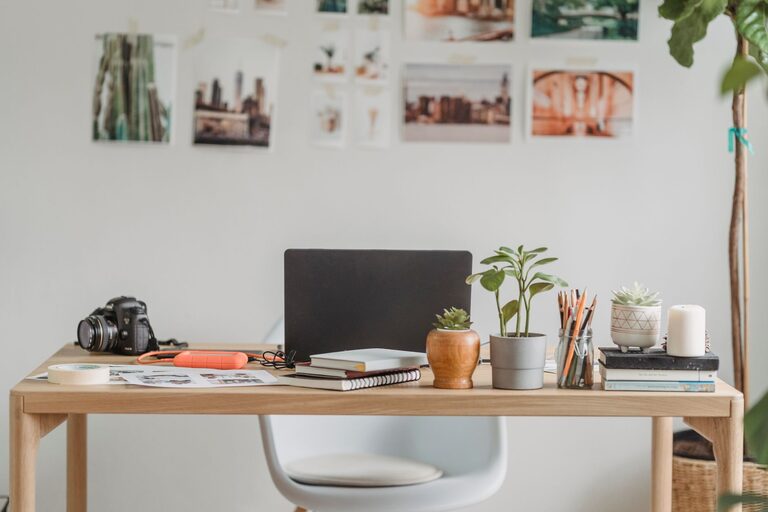
Creating a home office that is both comfortable and productive can make a significant difference in your workday. With more people working remotely or from home, having a well-organized workspace is essential to focus and maintain motivation. Below, you’ll find practical tips to organize your home office in a way that supports efficiency and comfort.
Selecting the right spot in your home is the first step. Ideally, find a quiet area with minimal distractions. If possible, choose a room with natural light, as sunlight can improve mood and energy. Avoid high-traffic areas like the kitchen or living room to minimize interruptions.
Your desk and chair are the foundation of your workspace comfort.
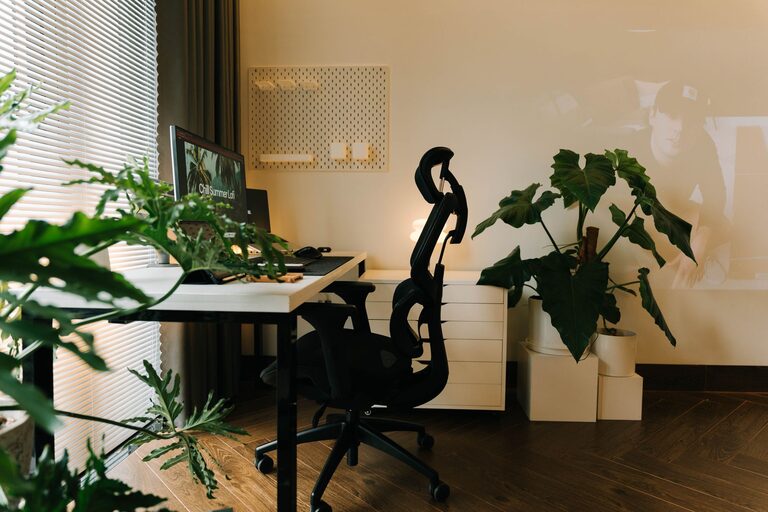
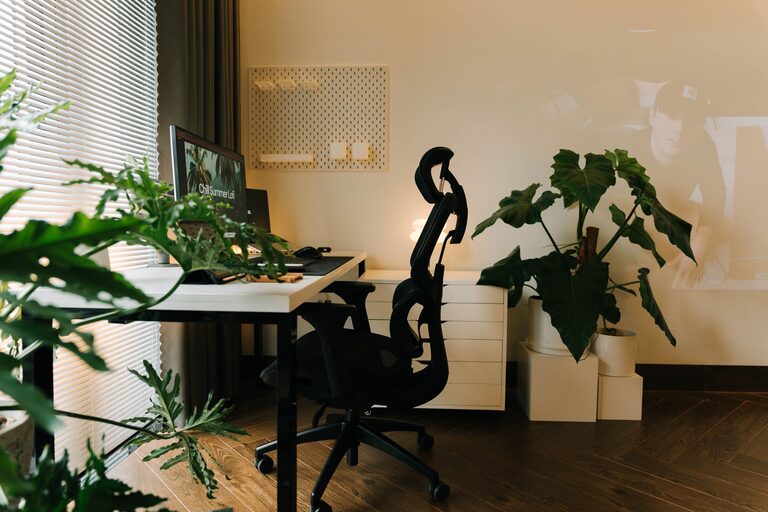
– Ergonomic Chair: Choose a chair with good lumbar support and adjustable height to keep your posture healthy.
– Desk: Make sure your desk is the right height and size for your tasks, with enough surface area to hold your computer, supplies, and other essentials.
Comfortable furniture not only reduces physical strain but also helps you stay focused for longer periods.
A cluttered desk can distract you and reduce efficiency. Consider these decluttering strategies:
– Keep Daily Essentials Only: Keep only the items you use daily on your desk.
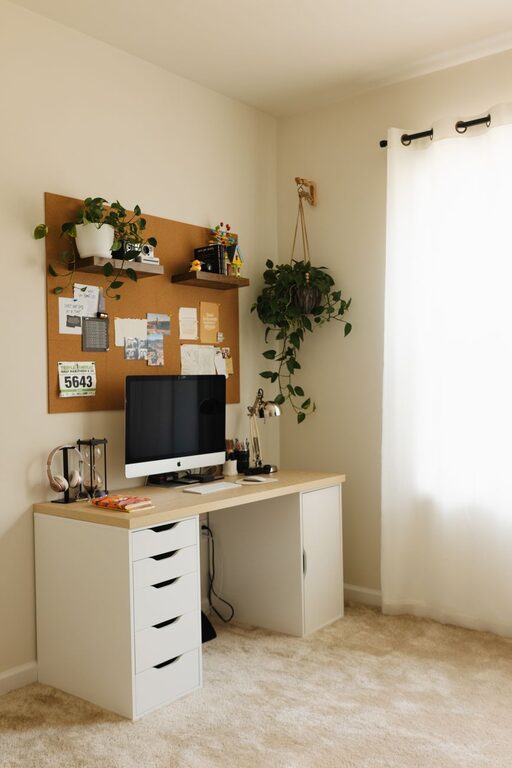
– Use Storage Solutions: Utilize drawers, shelves, or boxes to organize papers, office supplies, and other materials.
– Digital Declutter: Organize your computer files and desktop to reduce digital distractions.
By maintaining a clean and tidy environment, you create a mental space that supports concentration and creativity.
Having your tools within easy reach can save time and reduce frustration.
– Desk Organizers: Use trays, pen holders, or drawer dividers to keep small items sorted.
– Cable Management: Use cable clips or sleeves to organize cords and chargers, keeping them out of sight but accessible.
– Technology Placement: Position your monitor at eye level and keep the keyboard and mouse comfortably placed to prevent strain.
These small adjustments promote efficiency and physical well-being.
Adding personal touches can make your office pleasant and motivating, but avoid overdoing it.
– Inspiring Artwork or Photos: Choose items that boost your mood.
– Plants: Adding greenery can improve air quality and create a calming atmosphere.
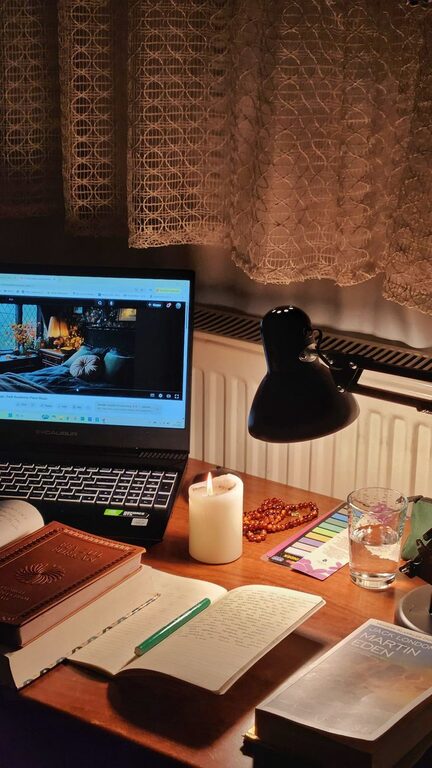
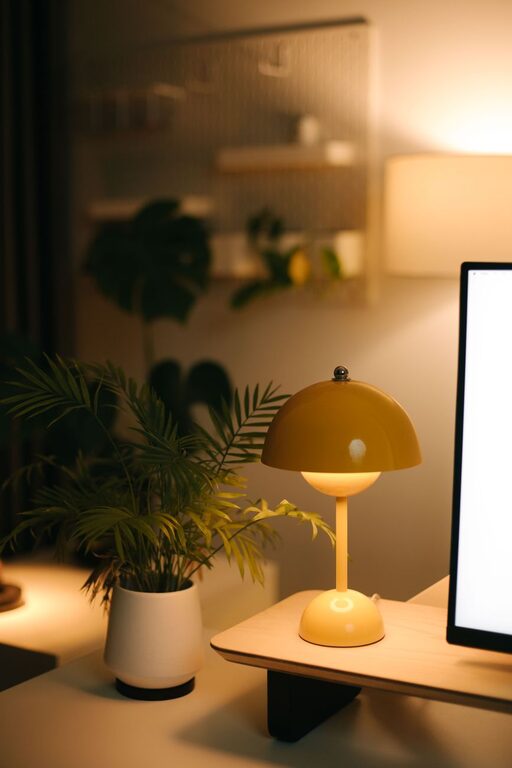
– Lighting: Include a desk lamp with adjustable brightness to reduce eye strain, especially in the evening.
Balancing personalization with functionality ensures a workspace inviting for work without distractions.
If space allows, create specific areas for varied activities:
– Work Zone: Your main desk area for computer and paperwork.
– Reference Zone: A shelf or cabinet for books, manuals, and files.
– Break Area: A small cozy corner with a chair or cushion to rest during short breaks.
Zoning helps mentally separate different types of work and encourages movement throughout the day.
Organization is an ongoing process. Incorporate these habits:
– Daily Reset: Spend a few minutes at the end of each workday tidying your desk.
– Weekly Review: Go through papers and supplies weekly to discard or file unnecessary items.
– Adjust as Needed: Your needs may change; be flexible and update your setup accordingly.
Consistent maintenance keeps your office functional and welcoming.
Alongside physical organization, consider digital tools to boost productivity:
– Task Managers: Apps like Todoist or Trello help keep track of assignments and deadlines.
– Cloud Storage: Save files where they’re secure and accessible.
– Focus Apps: Tools like Pomodoro timers can improve concentration.
Integrating digital and physical organization creates a streamlined workflow.
—
Organizing your home office doesn’t have to be overwhelming. By focusing on comfort, clarity, and practicality, you can design a space that supports your productivity and well-being every day. With a few thoughtful changes and regular upkeep, your workspace can become a place of inspiration and accomplishment.